AUTO REPAIR

Auto repair software that ties the bay to the books

A repair order is a small project: diagnosis, parts ordered from two suppliers, hours booked against a tech, a customer approval in the middle, and a margin that depends on all of it being recorded. Zevonix Business Suite keeps the job, the parts and the money on one ledger rather than a shop system that exports to an accountant.

WHERE BAY TIME GOES

The auto repair problems that cost real margin

Parts and hours are the whole business. Both are easy to lose track of.

Parts markup is inconsistent

Bought from whoever had it, priced from memory, and the margin on the job is a surprise at month end.

Technician hours are approximate

Booked hours and actual hours drift apart, so you cannot tell which jobs or which techs are actually profitable.

Vehicle history is scattered

A returning car arrives with no record of what you did last time, which makes both diagnosis and the customer conversation harder.

Approvals happen verbally

Extra work agreed over the phone, never written down, and disputed when the invoice lands.

ONE PLATFORM, NOT SIX TOOLS

How Zevonix Business Suite runs a repair shop

Jobs, parts, hours and the general ledger share one set of records.

Work Orders and Job Costing

Budget a job by cost type — labour, material, equipment, subcontractor, overhead — then watch budget against actual and read profitability and labour utilisation.

Customer Equipment

Vehicles tracked per customer with their own service history.

Purchase Orders and Suppliers

Buy parts against the job so cost is attributable rather than a monthly lump.

Stock and Products

Shop inventory and consumables tracked as they move.

Employees and Attendance

Hours captured where the work happened, feeding the cost picture.

Invoices and A/R

Bill from the completed job and collect through the Customer Portal.

END TO END

A repair order, start to finish

  1. 1. The vehicle is booked in
    Logged against the customer and the vehicle already on file.
  2. 2. Diagnosis is recorded
    Findings go on the work order, with photos where they help the conversation.
  3. 3. Parts are ordered against the job
    Purchase orders reference the work order, so cost lands where it belongs.
  4. 4. Hours accumulate
    Technician time is recorded against the job rather than reconstructed later.
  5. 5. Bill it, then read the result
    Invoice from the job, then compare budget against actual by cost type in Job Costing before the next estimate goes out.
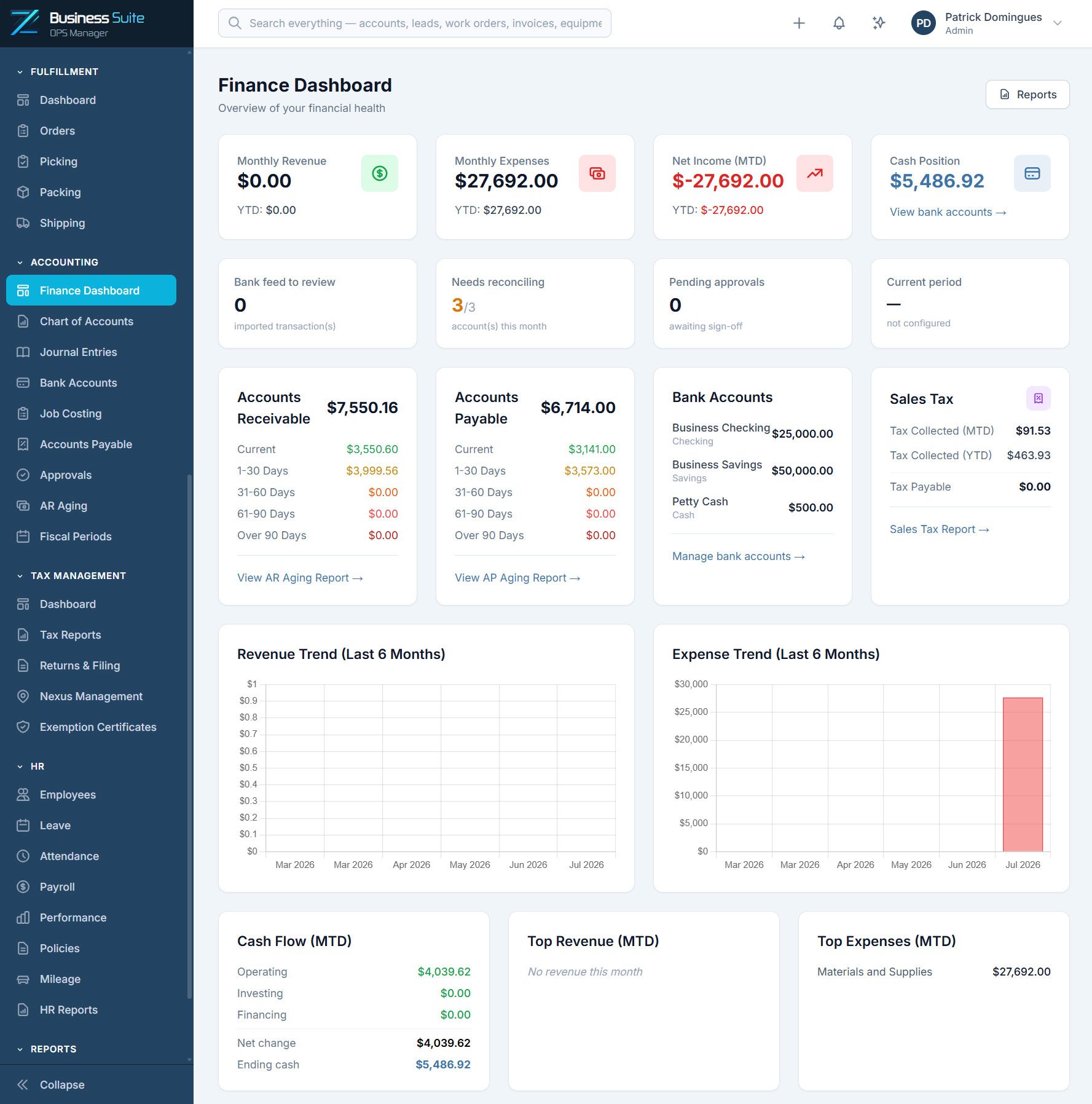
Zevonix Business Suite Finance Dashboard
WORKS WITH YOUR STACK

Fits the tools your office already runs

Sync to QuickBooks Online, take card and ACH payments through Stripe.

QuickBooks Online

Two-way sync so the books stay the books.

Stripe

Card and ACH payments against your invoices.

Microsoft 365

Single sign-on, mail and calendar.

Slack

Job and approval alerts where the crew already talks.

SIMPLE PRICING

One platform. Everything included.

No feature restrictions, hidden modules, or forced upgrades. Choose the plan that best fits your team size and growth needs.

Starter

Ideal for small agile teams
(1–5 users)

$249

/month

50 GB included storage

Growth

Ideal for growing businesses
(6–15 users)

$549

/month

150 GB included storage

Scale

Ideal for larger operations
(16–30 users)

$849

/month

300 GB included storage

Enterprise

Custom solutions for larger organizations

Contact Us

Custom storage allocation

Optional ADD-ONS

Choose the extra resources you need.

Sandbox Environment

$79/month

+50 GB Storage

$10/month

+100 GB Storage

$20/month

+250 GB Storage

$50/month

Every Zevonix Business Suite customer receives a dedicated isolated environment designed for performance, security, and growth.

COMMON QUESTIONS

Auto repair software questions

It covers the operational side – repair orders, vehicles, parts, hours, invoicing – on top of a real general ledger with A/R and A/P. What it does not include is a parts catalogue or labour guide feed, so if you rely on one of those, confirm how you want to handle it before you switch.
Yes — that is what Job Costing is for. Set a budget on the work order or project by cost type (labour, material, equipment, subcontractor, overhead), and the job then shows budget against actual as costs post, with profitability and labour utilisation reports on top.
The Customer Portal gives customers a place to see their invoices and pay, which cuts down the chasing on both sides.
Starter covers 1–5 users at $249/month, Growth 6–15 at $549 and Scale 16–30 at $849, all modules included at every tier.

Put a week of repair orders through it

Seven days, the whole platform, no credit card. Load your real jobs and see whether it holds up before you commit.

GET STARTED

Start your 7-day free trial.

Start your free 7-day trial. No credit card required. We’ll email you a secure login link so you can quickly access the public demo environment and discover how Zevonix Business Suite can simplify your small business operations.