Zevonix Business Suite | All-in-one Operations Manager Platform

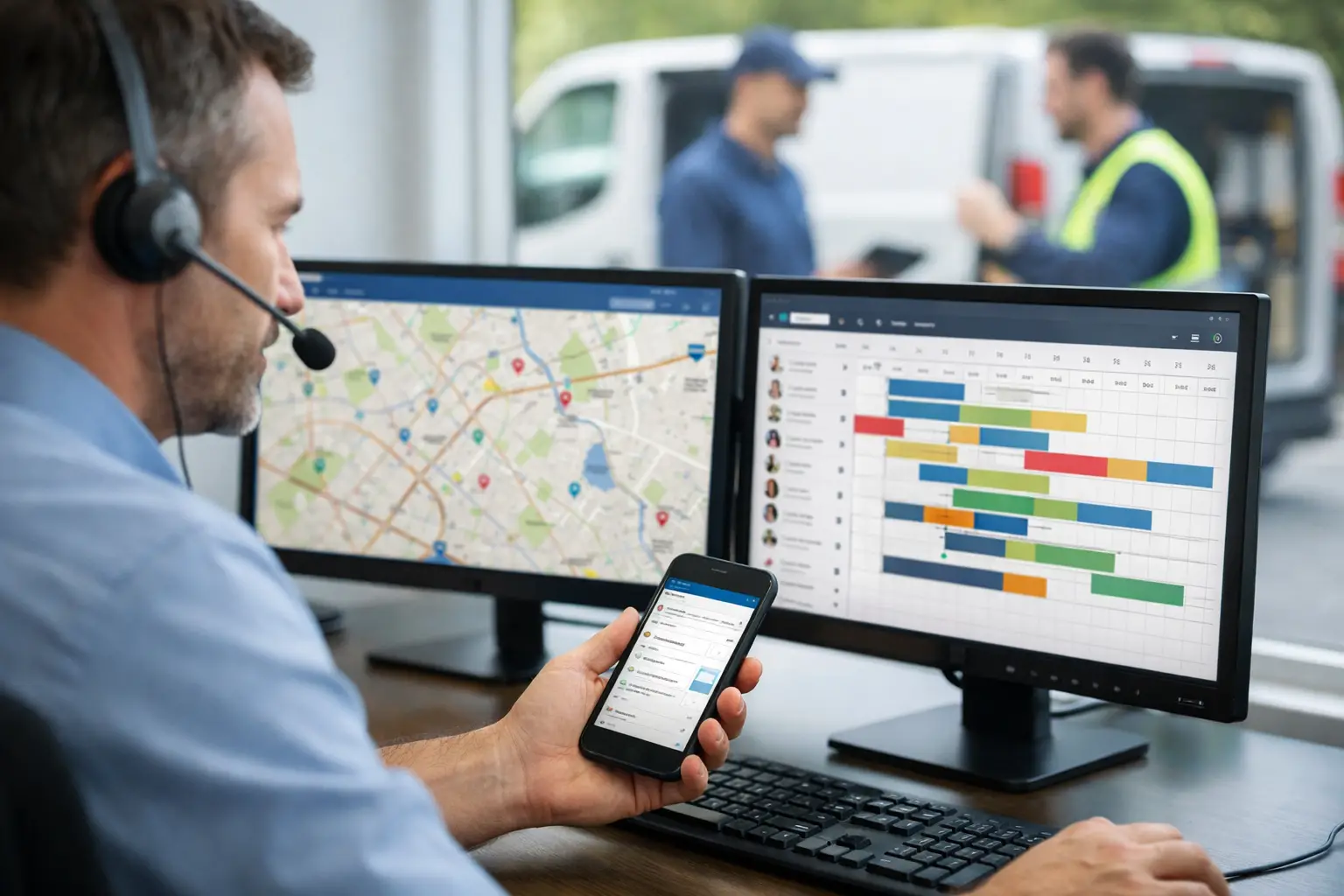
A technician can finish a profitable repair at 2:00 p.m. and still create a loss before the day ends. It happens when the office does not know the job is complete, parts used are not recorded, the customer is not invoiced promptly, or the next available technician is sitting idle. Service dispatch software addresses that operational gap by connecting the work assigned in the office to the work completed in the field.
For HVAC, plumbing, electrical, roofing, and other service businesses, dispatch is not simply a calendar function. It is the control point between customer demand, labor capacity, inventory, billing, and job profitability. If those records live in separate applications, dispatchers spend their day chasing updates instead of managing service delivery.
What Service Dispatch Software Should Control
Basic scheduling tools can place appointments on a calendar. That is useful, but it is not enough for an operations-heavy business. A dispatch system should give the office a current view of open work orders, assigned technicians, appointment windows, job status, customer history, and the resources required to complete each call.
The real value comes from what happens before and after assignment. Before a technician is scheduled, the dispatcher needs to confirm the customer record, service location, asset or equipment history when applicable, skills required, priority level, and expected parts. After the work is complete, the same job should support time capture, materials usage, customer approval, invoicing, and accounting records without re-entering the information in multiple systems.
That connection matters because a field service job rarely belongs to one department. Sales may create the opportunity. Service confirms the appointment. Warehouse staff may issue parts. Technicians perform the work. Finance invoices the customer and tracks payment. A disconnected dispatch tool makes each handoff another opportunity for delay or error.
The Cost of Disconnected Dispatch
Most small and mid-sized service businesses do not begin with a broken process. They begin with practical tools: a shared calendar, text messages, spreadsheets, accounting software, and a separate invoicing application. The problems appear as job volume grows.
Dispatchers start manually checking technician availability. Technicians call the office for customer notes or part numbers. Completed tickets sit unbilled because the accounting team has not received the paperwork. Inventory balances become unreliable because parts were used in the field but never posted. Management cannot see whether a technician is productive, whether a route is inefficient, or whether a particular job type is actually profitable.
Each individual issue may look minor. Together, they create operational drag: more administrative labor, slower cash collection, avoidable truck rolls, frustrated customers, and weak job-cost data. The business may be busy without being controlled.
A single-purpose dispatch application can improve scheduling quickly, but it can also become one more system to maintain. If it does not connect natively to CRM, inventory, invoices, accounting, and reporting, the office still has to reconcile the job after the work is done. That trade-off may be acceptable for a very small team with simple work orders. It becomes expensive when multiple crews, stocked vehicles, service agreements, or project work are involved.
How to Evaluate Service Dispatch Software
The right system depends on the complexity of your workflow, not the number of features on a sales page. Start by mapping the life of a typical service call, from the first customer request through payment and follow-up. Then identify where information is copied, delayed, or lost.
Scheduling needs more than appointment slots
Look for a dispatch board that lets the office see unassigned work, technician availability, priorities, locations, and job status in one operating view. Dispatchers should be able to assign and reassign work without rebuilding the entire day when an emergency call, cancellation, or extended repair changes the schedule.
Skill matching also matters. Sending the nearest person is not always the best decision if the job requires a certification, product expertise, or access to specific equipment. The software should help the dispatcher make an informed assignment, while leaving room for real-world judgment. Field operations are variable, and a system should support that reality rather than force the team into rigid rules.
Job records must travel with the technician
A dispatched job should carry the information needed to perform the work correctly: contact details, service address, issue description, prior activity, instructions, attachments, and relevant customer notes. Technicians should be able to update job status, record labor, add materials, document findings, and capture completion details from the field.
This is not just a convenience feature. It reduces repeat calls to the office, improves documentation, and gives the billing team a usable record when the job is complete. It also creates accountability. Management can distinguish between a job that is scheduled, en route, in progress, awaiting parts, completed, or ready to invoice.
Parts and inventory must be part of the workflow
A service dispatch process breaks down when technicians cannot confirm part availability or when used materials never reach inventory and job-cost records. For businesses that stock warehouses, trucks, or multiple locations, the dispatch platform should connect service work to inventory control.
The level of inventory detail depends on the business. A contractor using a limited set of common materials may need simple issue and replenishment controls. A distributor or manufacturer with serialized items, multiple warehouses, or complex purchasing requirements needs deeper inventory discipline. In either case, the objective is the same: know what was used, what remains, and what the job actually cost.
Completion should trigger billing, not a paperwork hunt
The best time to prepare an invoice is when the job details are fresh and complete. Service dispatch software should allow approved labor, materials, and charges to flow into invoicing without someone re-keying ticket information from paper forms, emails, or another application.
That does not mean every completed job should be automatically billed. Some companies require supervisor review, customer purchase order validation, warranty processing, or contract-specific pricing. The system should support those controls while preventing completed work from disappearing into an unbilled queue.
Reporting should answer operational questions
A useful dispatch dashboard does more than count appointments. It should help leaders evaluate response times, open work orders, technician utilization, completion rates, billable labor, unbilled jobs, material usage, and job profitability.
Reports are only as credible as the underlying data. If scheduling, work orders, inventory, invoices, and accounting are disconnected, every report requires manual cleanup and assumptions. When these workflows share one system of record, reporting becomes an operating tool rather than a monthly reconstruction exercise.
Implementation: Fix the Process Before Automating It
Software will not solve unclear service policies. Before deployment, define how your business handles emergency calls, appointment windows, technician assignment, status updates, parts requests, approvals, and completed work. Keep the initial workflow practical. Trying to configure every exception on day one often delays adoption.
Start with the fields and statuses the team genuinely needs to run the day. Train dispatchers on how to assign and monitor work, technicians on how to update jobs consistently, and finance staff on how completion moves into billing. Then review the first few weeks of data. You will quickly see where a status definition is vague, a required field is missing, or an approval step is slowing down cash flow.
The implementation question is also a platform question. A standalone dispatch product may be the fastest choice when scheduling is the only immediate issue. But if your business is already managing duplicate customer records, manual invoice entry, inventory mismatches, and accounting reconciliation, it is worth evaluating a connected business system instead of adding another point solution.
Zevonix Business Suite is designed for that broader operating model, bringing field service dispatch together with CRM, inventory, invoicing, accounting, project management, support, reporting, and workforce workflows in one environment. The point is not to add more software. It is to reduce the number of handoffs required to move a job from request to payment.
Choose Control Over Calendar Convenience
Service dispatch software earns its place when it gives the office control over the complete job lifecycle. The schedule should reflect real capacity. Technicians should have the information to complete work correctly. Materials and labor should reach job records. Completed work should reach billing without a separate administrative chase.
When dispatch becomes connected to the rest of the business, leaders spend less time asking where a job stands and more time improving response, margin, and customer service. That is the practical standard to use when choosing a system.